Enroll with ecobee
Step 1: Set up eco+
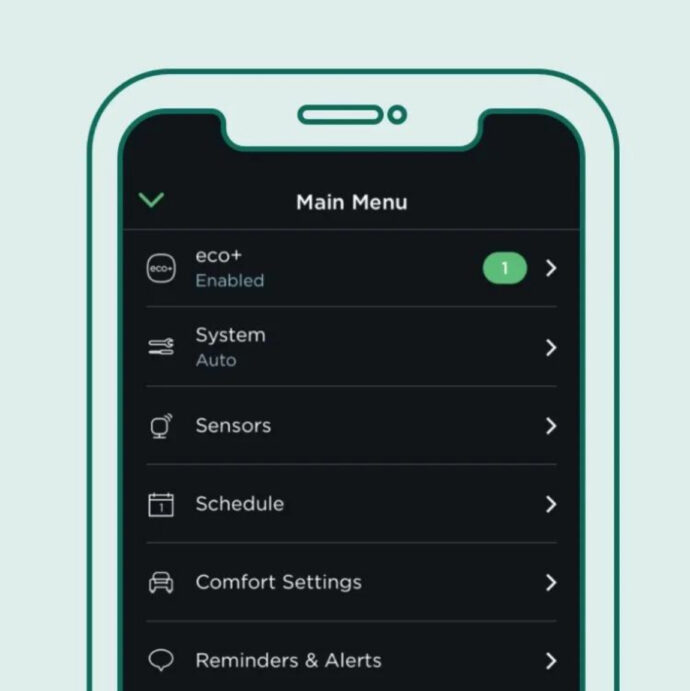
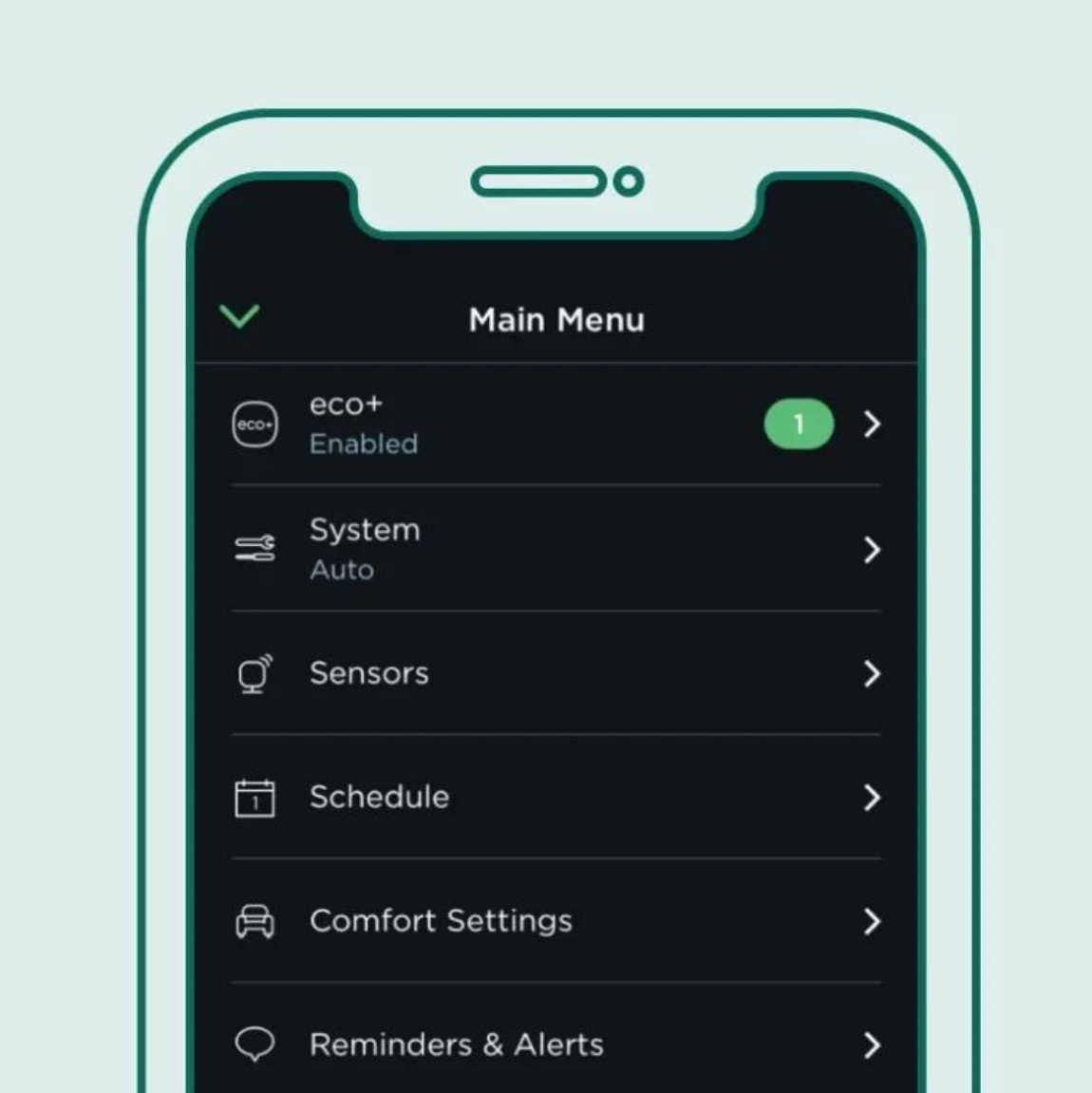
Open your ecobee mobile app. If you haven’t already, set up eco+ for your home. If you have eco+, select it from the main menu.
Step 2: Choose SCP as your utility provider
In the eco+menu, enable the Community Energy Savings feature and select Sonoma Clean Power.