Step 1: Set up eco+Open your ecobee mobile app. If you haven’t already, set up eco+ for your home. If you have eco+, select it from the main menu. |
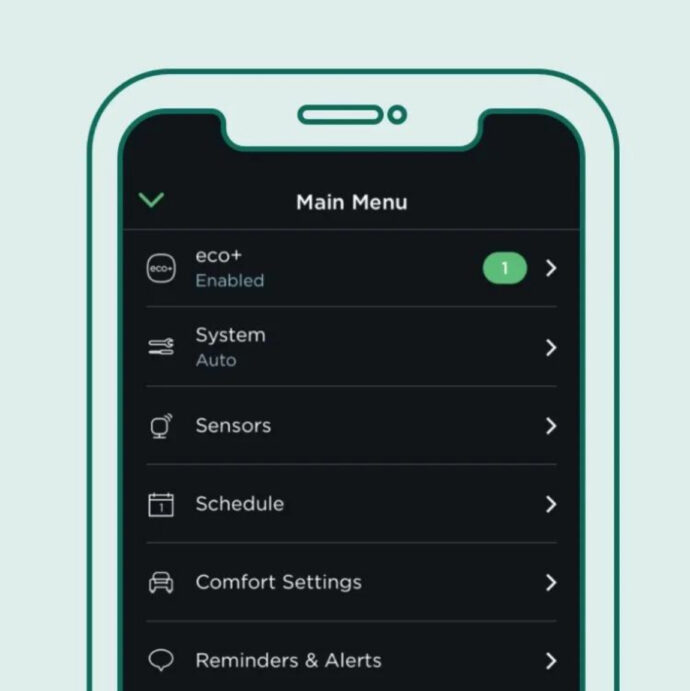 |
Step 2: Choose SCP as your utility providerIn the eco+menu, enable the Community Energy Savings feature and select Sonoma Clean Power. |
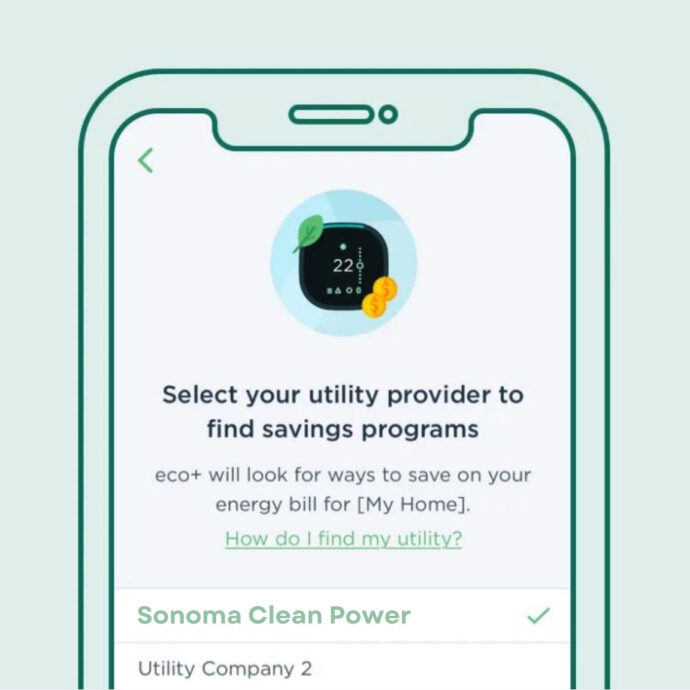 |
Step 3: EnrollA message about SCP Rewards will appear on the screen, including the incentive and the program terms and conditions. Select “Ok” to enroll in the program. |
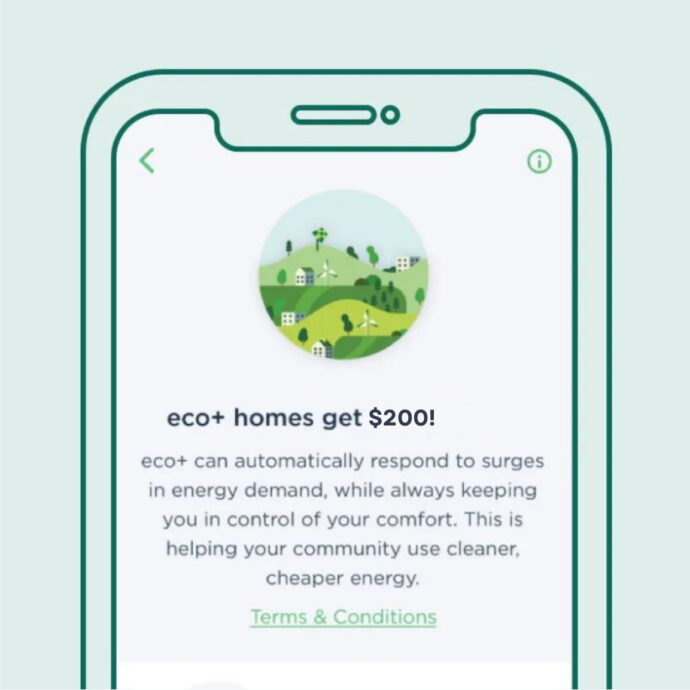 |
Need more support? Visit ecobee's help center.