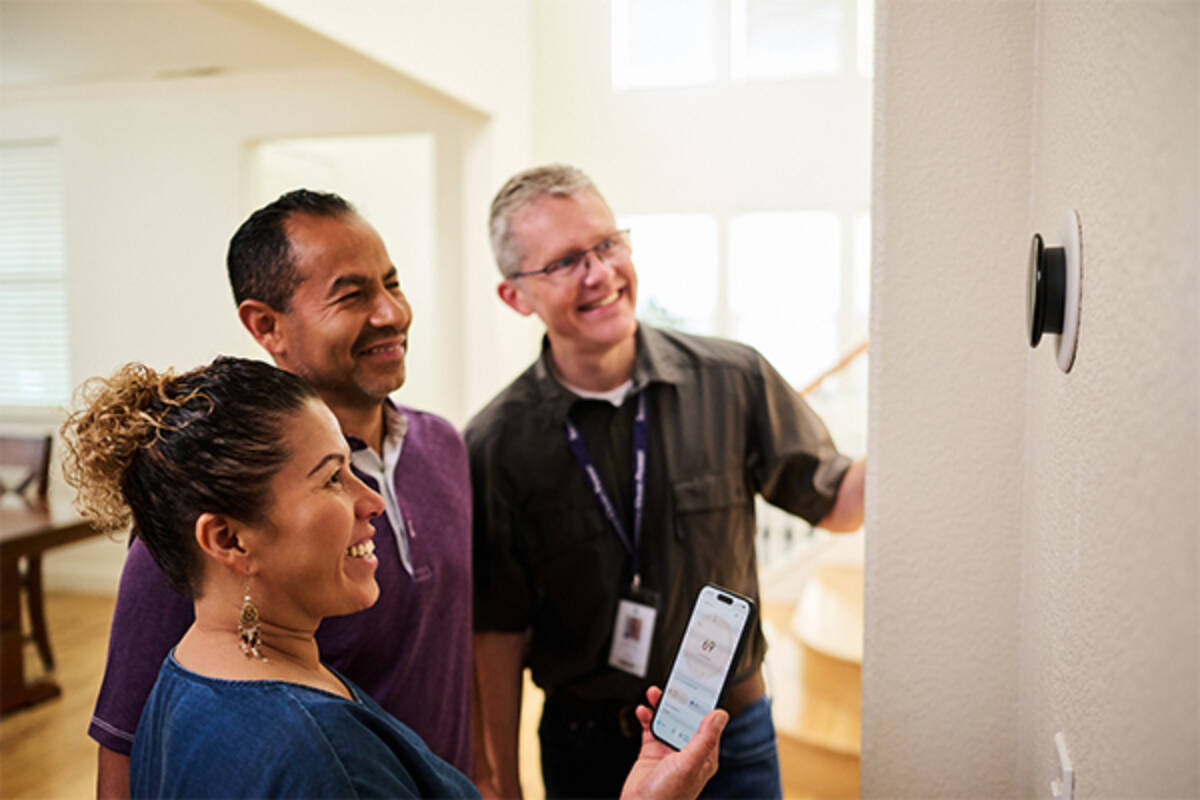
Get a free smart thermostat with in-home installation, at no cost for CARE and FERA customers.
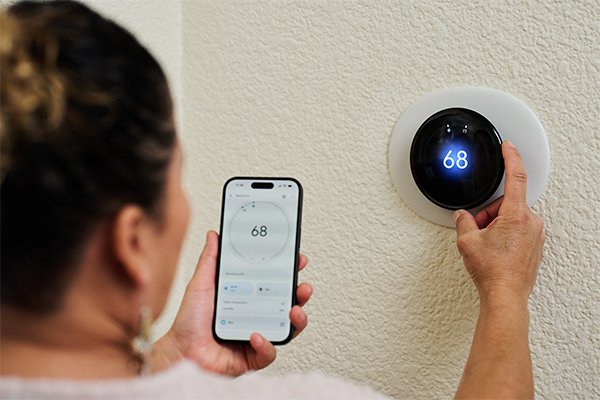
Developed for CARE and FERA income‑qualifying customers, this program provides a free smart thermostat with expert in‑home installation—at no cost to you. It’s an easy, convenient upgrade that lets you manage your home’s energy use from your smartphone anytime, anywhere.
Your new thermostat will be enrolled in SCP Rewards, earning you a $5 monthly bill credit. Once approved, our team handles installation, setup, SCP Rewards enrollment, and a quick walkthrough. It’s that easy—we handle everything.
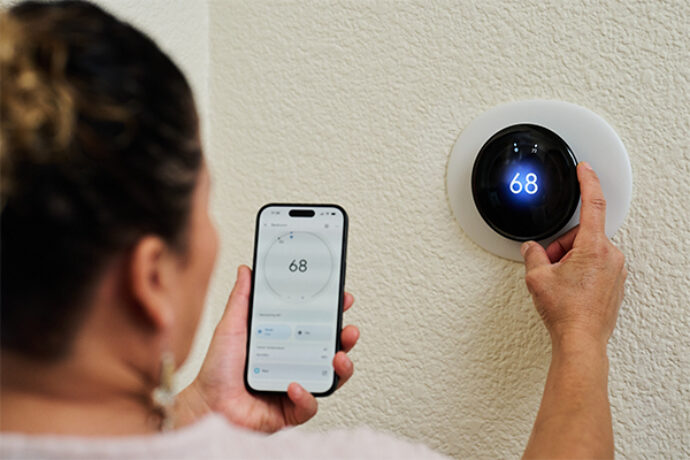
This was a great program provided by Sonoma Clean Power and excellent installation service. Team they sent out was fantastic team. Thanks again, looking forward on what you may offer in the future.

Once enrolled, you’ll allow small automatic 2–4 degree adjustments on the hottest summer days, when electricity use is highest, helping support reliable power for your community while earning $5 off your bill each month. Don’t worry, you’re always in control and can override the settings anytime.
Complete a quick online form, and we’ll email you within a few business days about your eligibility.
Once you’re approved, one of our partner installers will contact you within 2–5 business days to schedule your installation.
Installation takes 2 hours, and your installer will take care of everything, including installation, setup, and a short walkthrough using your new smart thermostat.
A smart thermostat does everything a programmable thermostat does — and then some. Because it connects to your home's Wi-Fi, you can control the temperature from your phone no matter where you are. Many models also learn your habits over time and adjust automatically, taking into account things like the weather forecast. Some even work with other smart home devices and offer voice control.
This program is completely free! A subscription is not needed to use your thermostat, although the Google Home app does offer subscriptions for some additional features.
When it’s hot, everyone uses more electricity. To make sure there’s enough to go around, SCP Rewards helps you save energy during these hot days by adjusting your thermostats temperature. In return we provide $5 monthly bill credits, even in the winter months!
Energy saving events, also called Rush Hours, happen in summer (between May 1st and October 31st), usually about 25 times a year. They typically last up to 2 hours and between 4 PM and 9 PM. Events do not occur more than once a day or more than 30 days per year. That said, weather affects how often and how long they last. During a heat wave, you may see energy saving events a few days in a row.
Yes, absolutely. You’re always in control. You can adjust your thermostat whenever you need to. There are no penalties for changing the temperature.
Air conditioning is one of the biggest uses of electricity on hot summer days. When your smart thermostat makes small adjustments during these times, it saves energy right when it matters most. Without central air conditioning, the thermostat wouldn't have the same impact.
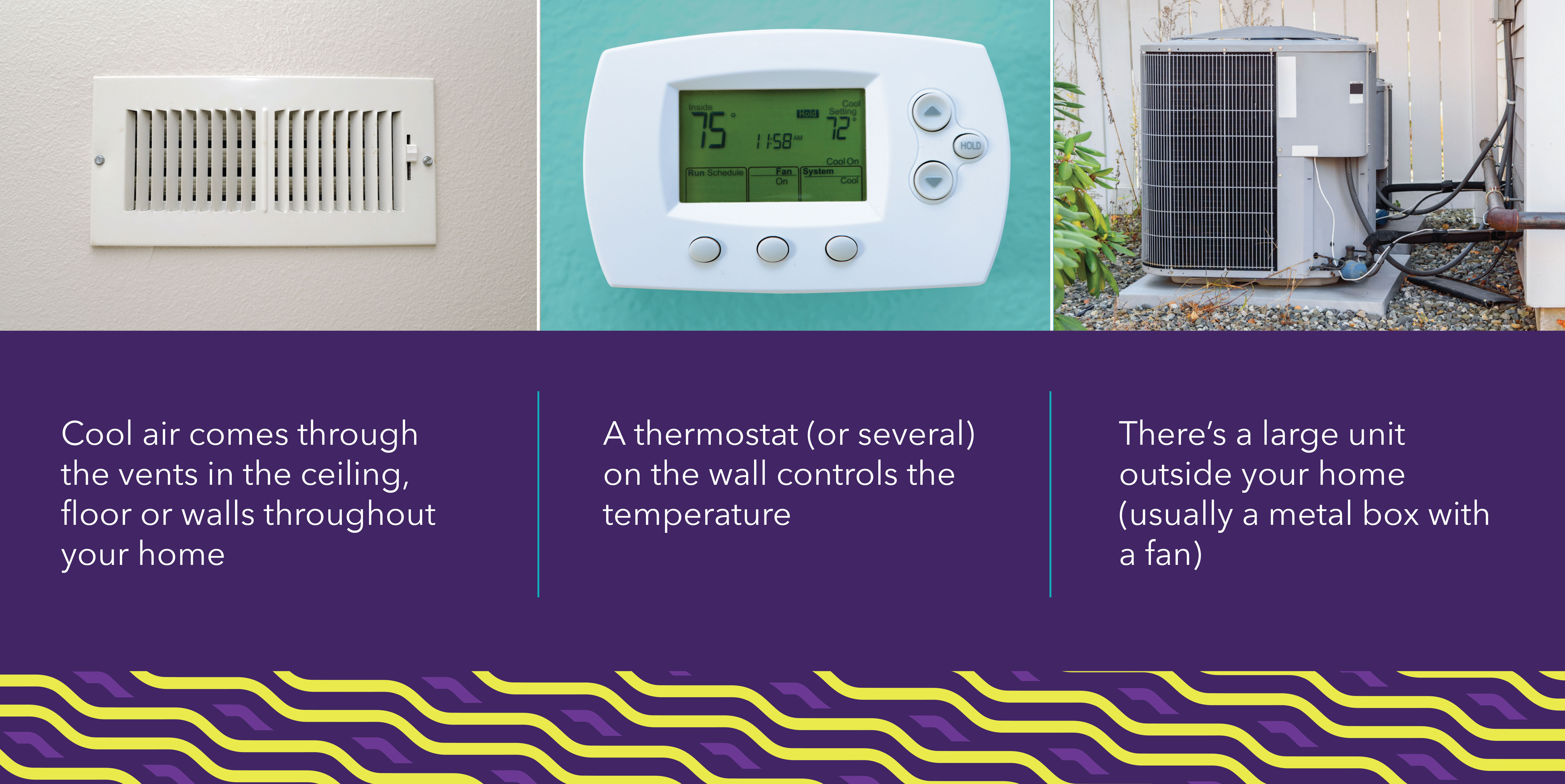
Central air conditioning cools your whole home through vents in the walls or ceiling. Look for a thermostat on your wall that controls both heating and cooling with settings for "cool," "heat," and "fan” and an outdoor unit. You can also check out our guide to help you find which kind of air conditioning you have.
Wi-Fi is what connects your thermostat to Sonoma Clean Power. Without it, the thermostat won’t know when to make small, temporary changes to use less energy.
A SmartMeter™ lets us see how much energy your home uses during energy saving events. Without that information, we have no way to confirm your participation or apply your $5 monthly bill credit.
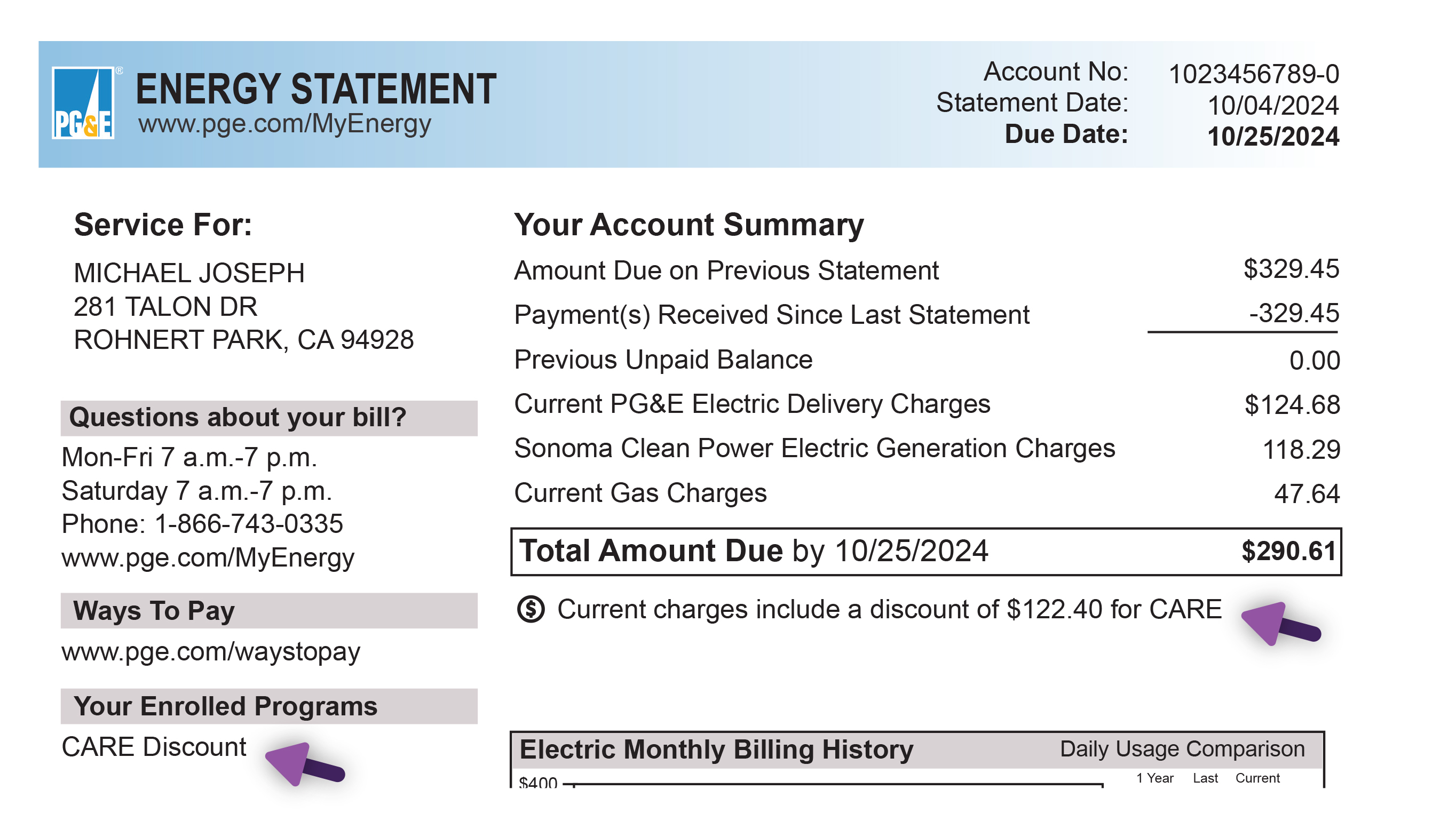
California Alternate Rates for Energy (CARE) and Family Electric Rate Assistance (FERA) are bill discount that reduce your electricity bill if you qualify based on your household income. This program is specifically designed for CARE and FERA customers. To learn more or check if you qualify, visit PG&E’s website.
Yes, renters can participate! You'll need to be able to make small upgrades or get approval from your property owner or manager. You can download the authorization form here. They don’t need to be there for the appointment.
You may be able to! To qualify, you’ll need your own individual electric meter and PG&E account in your name. If your mobile home park uses a single shared meter for the whole property, unfortunately you wouldn't be eligible.
If you don’t qualify for this program, you can still save with SCP Rewards. Purchase a smart thermostat, install it yourself and enroll it in SCP Rewards
to receive a $200 rebate plus $5 monthly credit on your electricity bill.
Once you’re approved, the installer will reach out within 2-5 business days to schedule your appointment.
Yes! From scheduling your appointment to the installation itself, everything can be done in English or Spanish — whichever works best for you.
Plan for about two hours. That covers the thermostat installation plus a quick walk-through of your home's appliances.
A little prep goes a long way! Before the installer arrives:
- Make sure you’ll be home for the full 2 hours
- Have your Wi-Fi name and password ready
- Download the Google Home app on your smartphone
- Create a Google Home account. Don’t have a Gmail? You can set up a Google account using your existing email (Yahoo, Comcast, etc.). Follow these steps.
- Clear the area around your thermostat so it’s easy to access
- Make sure your heating and cooling equipment is accessible — this may be in your attic, garage, or utility closet
- Clear the area around your major appliances (water heater, dishwasher, dryer, etc.) for a quick check on age and condition
When your installer arrives, they'll start by confirming that your home has central air conditioning, working Wi-Fi, and a smartphone to connect your thermostat. From there, they'll install your new smart thermostat, enroll it in SCP Rewards, and walk you through how to use it. They'll also offer to complete a quick assessment of your home's appliances before they're on their way. Watch Day of Installation Video.
During your appointment, your installer will take a quick look at your home's major appliances — things like your heating and cooling system, water heater, electrical panel, and insulation. The information helps Sonoma Clean Power plan future programs to help customers save energy and money. We may also be able to point you toward additional rebates you qualify for.
This part of the visit is completely optional, so you can skip it if you prefer.
That's up to you! If you'd like to keep it, no problem. If not, your installer will take it and make sure it's recycled properly.
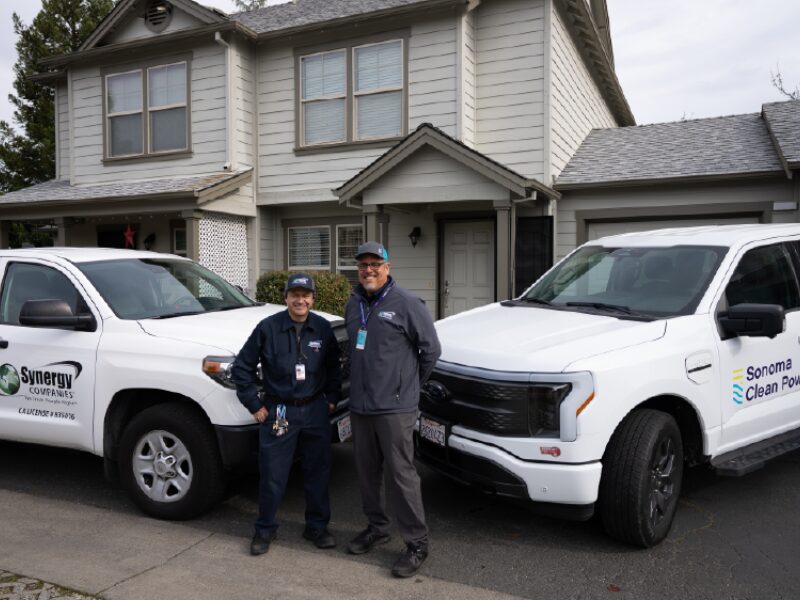



 Property Owner Approval Form